
If you are a web designer, freelancing often feels like a rollercoaster. One month, you are drowning in work; the next, you are refreshing your inbox, hoping for an inquiry. While platforms like Upwork and Fiverr are crowded with race-to-the-bottom pricing, LinkedIn remains the most underutilized goldmine for high-ticket web design clients.
The problem isn’t that LinkedIn doesn’t work; it’s that most developers use it wrong. They set up a profile, connect with a few random people, and wait for magic to happen.
In this guide, we are going to move beyond the basics. We are diving deep into how to use LinkedIn to get web design clients by focusing on the two areas most developers skip: profile optimization for conversions and the outreach sequence that actually gets replies.
Let’s turn your LinkedIn profile into a 24/7 client acquisition machine.
Part 1: The “Invisible” Pipeline (Why LinkedIn Works for Designers)
Before we get into the tactics, it is crucial to understand the psychology of LinkedIn compared to other platforms.
Business owners and decision-makers (your ideal clients) are already on LinkedIn. They aren’t there looking for a web designer, but they are there complaining about their current site, celebrating funding rounds, or announcing new ventures. By the time a business owner realizes they need a new website, they usually ask their network for a referral.
If your profile isn’t optimized to look like the obvious expert when they search for you, you lose the sale before the conversation even starts.
Part 2: The Profile Optimization Blueprint (The “Skipped” Step)
Most web designers treat their LinkedIn profile like a digital resume. That is a mistake. You are not looking for a job; you are looking for clients. Your profile needs to be a conversion-optimized landing page.
Here is how to structure it, section by section.
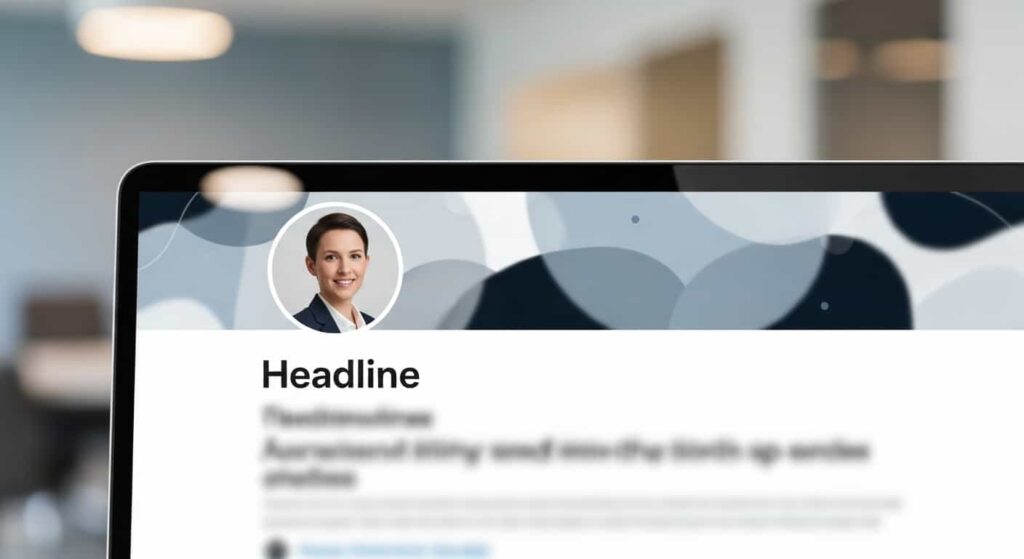
1. The Headline: Stop Using Your Job Title
The default LinkedIn headline usually says “Freelance Web Developer at Self-Employed.” This is boring and doesn’t communicate value.
Instead, use the “Value Proposition” formula. Formula: [What you do] for [Who you help] to achieve [Specific Result].
Bad: Freelance Web Designer Good: Web Designer for B2B SaaS | I build high-converting landing pages that increase trial sign-ups by 30%
Alternative headline formula (for brand-focused designers): Formula: [What you do] for [Who you help] to create [desired outcome]. Example: Brand Identity Designer for DTC E-commerce | I help founders stand out in crowded markets with distinctive, scroll-stopping visual systems.
2. The Banner Image: Visual Proof
Your banner is prime real estate. Since you are a web designer, your profile visuals must be impeccable. Use this space to showcase social proof.
- Option A: A collage of logos of companies you have worked with.
- Option B: A screenshot of a testimonial from a happy client.
- Option C: A clear call-to-action (CTA) with a link to your calendar.
3. The “Featured” Section: Your Portfolio
Most designers put their portfolio link in the “About” section, buried under text. LinkedIn allows you to have a “Featured” section at the top of your profile.
Use this to showcase:
- Case Studies: Upload PDFs or link to portfolio pieces. Do not just link to the website. Create a PDF that shows the “Problem → Solution → Result.”
- Video: A 30-second Loom video introducing yourself. Video thumbnails stop the scroll.
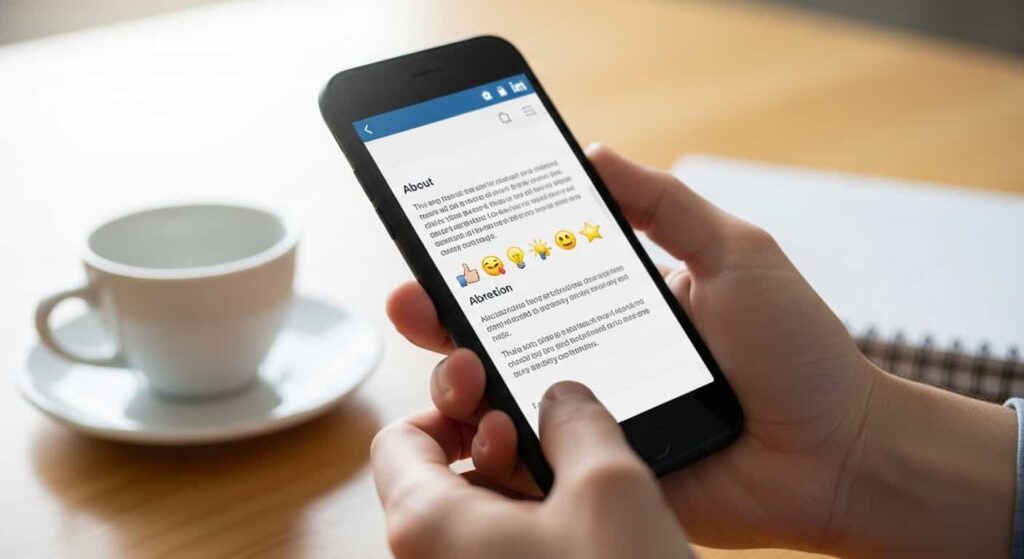
4. The “About” Section: The Silent Salesman
This is where most people write a boring autobiography. “I am a passionate web developer with 5 years of experience…”
Instead, structure this section like a mini sales letter:
- Hook: Acknowledge the client’s pain. (e.g., “If your website loads slower than 3 seconds, you are losing 40% of your potential revenue.”)
- Credibility: Briefly state your experience, but focus on the outcomes you have delivered.
- CTA: End with a clear instruction. (e.g., “If you want to see if your site is leaving money on the table, DM me the word ‘AUDIT’ for a free performance analysis.”)
Here’s a complete “About” section example you can adapt: “If your website takes more than 3 seconds to load, you’re losing 40% of your potential revenue before a human even reads your headline.
I’m a web designer who focuses on one thing: turning slow, underperforming sites into conversion-focused assets for B2B SaaS companies.
Over the past 4 years, I’ve helped 30+ SaaS founders increase trial sign-ups by an average of 35% through UX optimization and performance tuning.
📌 A few results: • Helped [Company] increase mobile conversions by 52% • Reduced bounce rate for [Company] from 78% to 34%
👉 If you want to know exactly what’s costing you conversions on your site, DM me the word ‘AUDIT’ and I’ll send you a free 5-point analysis—no pitch, just data.”
Part 3: Targeting the Right Clients (Building Your Prospect List)
Now that your profile is optimized to convert, you need to find the right people to talk to. Spraying and praying (connecting with everyone) is inefficient. You need a specific Ideal Client Profile (ICP).
For web design, the best clients are often:
- New Business Owners: People who have just started a company and need a digital presence.
- Funded Startups: Search for “Seed Funding” or “Series A” in the search bar. These companies just got money and need to upgrade their brand.
- CEOs/Marketing Directors of outdated companies: Look for companies whose websites you know are terrible.
How to find them using LinkedIn Sales Navigator (or free search)
- Use Boolean Search:
(CEO OR Founder OR Owner)(Web Design OR Marketing Manager)(SaaS OR E-commerce OR Real Estate)
- Filter by “Posted in the last 24 hours”: This is a secret weapon. People who post about their new business, their frustration with their current tech stack, or their recent funding are signaling that they have the intent to buy.
Ready-to-use LinkedIn search strings (copy and paste):
For funded startups:
(“Seed Funding” OR “Series A” OR “raised” OR “pre-seed”) (CEO OR Founder)For local businesses with outdated sites:
(CEO OR Owner) (Real Estate OR Construction OR Dental) -Webflow -Shopify(The minus signs exclude people who already have modern platforms.)For marketing decision-makers:
(Marketing Director OR Head of Marketing) SaaS
Part 4: The Outreach Sequence Most Developers Skip
This is the core of the strategy. Most web designers send a cold message like: “Hi, I saw your website. It needs work. Hire me.”
They get ignored or blocked.
You need a Value-First Outreach Sequence. This sequence spans 5–7 days and involves three touchpoints without asking for the sale until the very end.
⚠️ A realistic expectation: If you have a cold profile with zero existing network, expect 2–4 weeks of consistent outreach (20–30 connection requests/week) before you book your first call. If you already have 500+ connections in your target industry, you’ll see results faster. This is a compounding system—each week gets easier.
Step 1: The Connection Note (Day 1)
When you send a connection request, do not use the generic “Hi, I’d like to connect.” Add a personalized note that complements them and adds value.
Template:
Hi [Name], I saw your post about [recent achievement]. Congrats! I specialize in web design for [their industry] and noticed your branding is really sharp. Would love to connect and follow your journey.
Why this works: It is not a sales pitch. It’s a compliment. It establishes that you are a peer, not a spammer.
Step 2: The Value Drop (Day 3)
Once they accept, you do not immediately pitch them. Instead, you “drop value.” This is the skipped step that separates professionals from amateurs.
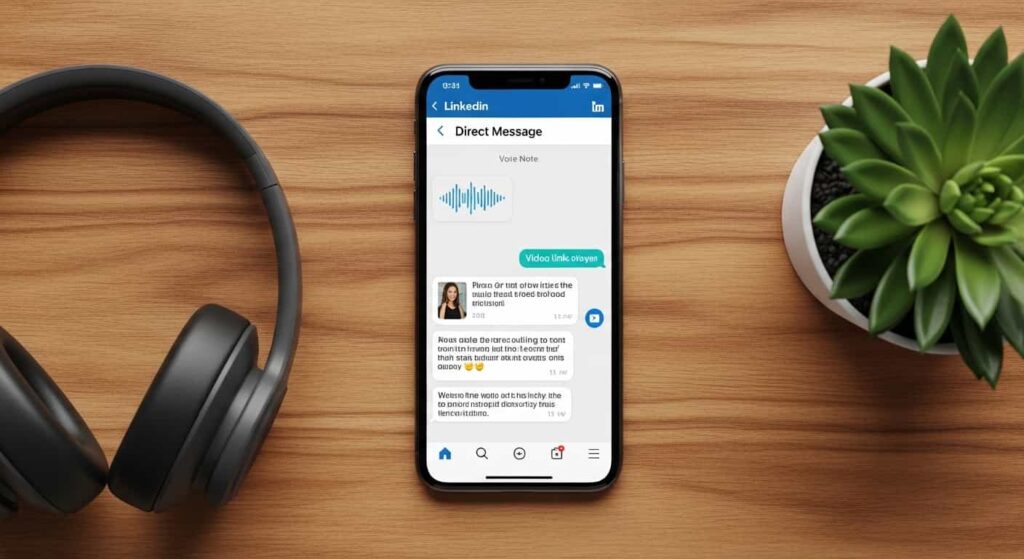
Send a voice note (LinkedIn voice messages have high open rates) or a text:
“Hey [Name], thanks for connecting. I was taking a look at [Company Name]’s site earlier—love the color scheme you’ve got going. I noticed your page speed score was 68 on mobile (which is pretty standard these days). I threw together a quick 2-minute Loom video showing how to boost that to 90+ to help with your SEO. No strings attached, just thought it might help. Here’s the link: [Loom Link]”
Why this works: You have just provided free, high-value consulting. You have demonstrated expertise. You have made them aware of a problem (slow speed) without shaming them. You are now top-of-mind.
Pro tip: You don’t need to record a custom Loom for every prospect. Create 2–3 templates:
- One for page speed audits (your “low-hanging fruit” value)
- One for mobile responsiveness issues
- One for CTAs above the fold
Then personalize the first 10 seconds of the video with their name and company. This keeps it personal without requiring 20 minutes per prospect.
Step 3: The Soft Pitch (Day 7)
If they viewed the video or replied, they are a hot lead. If they didn’t, they are still a warm lead because you gave value.
Send a final message:
“Hey [Name], curious if you had a chance to look at that audit? I have a bit of capacity next month and I’m looking for 2 more [Industry] brands to partner with for a complete UX overhaul. If you’re open to exploring what it would look like to fix those conversion bottlenecks, let me know. Happy to hop on a quick 15-min call.”
What If They Say “Not Interested Right Now”?
A graceful response can turn a “no” into a referral or a future yes.
“Totally understand. Out of curiosity, is it the timing, or is website work just not a priority at the moment?”
This does two things: it gives you intel on whether to follow up later, and it keeps the conversation open. If they say “timing,” you now have permission to follow up in 3–6 months.
Part 5: Content Strategy to Attract Inbound Leads
While outreach is active, content is passive. To truly master how to use LinkedIn to get web design clients, you need to post content that establishes authority. You don’t need to post daily; 3 times a week is plenty.
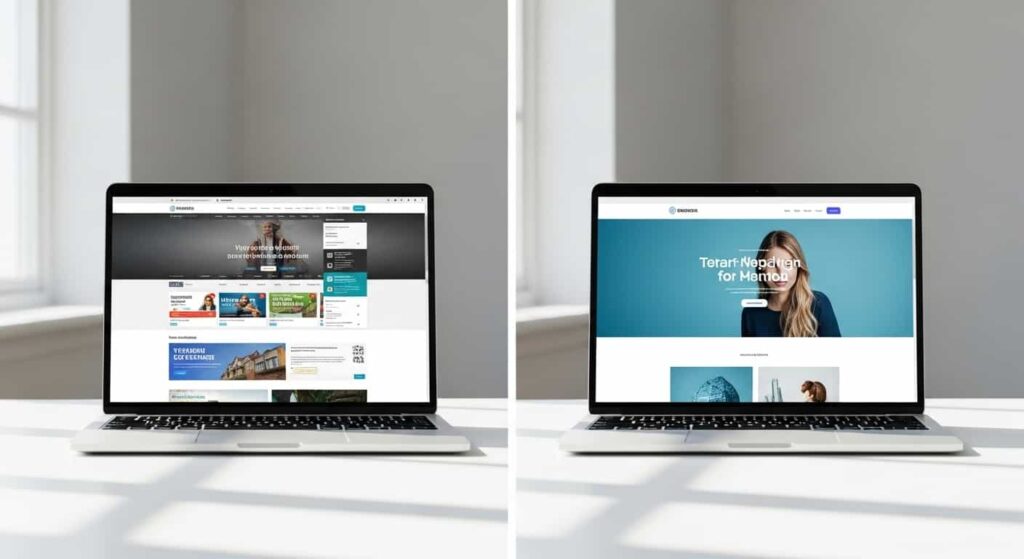
The “Before & After” Post
This is the highest-converting content format for designers.
- Carousel Post: Swipe 1: The old, ugly, slow website. Swipe 2: The new, sleek, fast website. Swipe 3: The results (increase in conversions, traffic).
- Caption: Focus on the business result, not the code. “We redesigned this site for X, and their bounce rate dropped by 50%.”
The “Educational Rant” Post
Pick a common web design myth or mistake and debunk it.
- “Stop using stock photos on your homepage. Here’s why authentic photography increases trust (and sales).”
The “Client Win” Post
Tagging clients (with their permission) puts you in front of their network. When you post a case study and tag the CEO, their entire network sees that you did a great job. This is social proof on steroids.
Part 6: Avoiding the Common Mistakes
As you implement this strategy, avoid these pitfalls that ruin credibility:
- Automated Comments: Do not use bots to comment “Great post!” on thousands of posts. LinkedIn algorithms penalize this, and real humans find it annoying. Leave genuine, value-add comments.
- Selling in the First Message: If you connect with someone and immediately send a link to your pricing page, you will get reported as spam.
- Ignoring Your Own Website: Your LinkedIn is a funnel. If you send people to your portfolio, ensure your portfolio is better than your competitors’. A broken link or an outdated portfolio kills trust instantly.
- Looking Like a “Guru”: Avoid the flashy “hustle culture” posts. CEOs want to hire a reliable professional, not a “hustler.” Keep your tone professional, helpful, and calm.
Part 7: The Follow-Up System (The Money is in the Follow-Up)
The majority of sales happen after the 5th touchpoint. Most designers give up after the 2nd.
If you sent the sequence above and didn’t hear back, set a reminder for 90 days.
- Why 90 days? Business priorities change. They might have been too busy last quarter, but are planning their budget for the next quarter.
- The “Check-in” Message:
“Hey [Name], circling back from our chat a few months back. I’ve been doing some interesting work with [Similar Company] recently—helped them increase mobile conversions by 30%. Curious if website performance has moved up on your priority list for this quarter?”
This message shows you are persistent, busy (you’ve been working with similar companies), and results-oriented.
Part 8: Scaling Your Efforts
Once you have mastered the one-to-one outreach and are consistently posting content, you can scale by using LinkedIn Sales Navigator (for advanced lead filtering) and LinkedIn Analytics to see which posts drive profile views.
What to track in LinkedIn Analytics:
- Profile views after each post — if a post drives 50+ views, repurpose the format.
- DM response rate — if your connection notes get less than 30% acceptance, rewrite them.
- Inbound inquiries — track which content pieces generated the most DMs.
You can also scale by asking for referrals.
- When you close a client you found via LinkedIn, ask them: “Who are two other founders in your network who struggle with their website? I’d love to see if I can help them too.”
- Then, ask the client to introduce you via LinkedIn. A warm introduction converts at 30%+ compared to 1-2% for cold outreach.
Your Action Plan for This Week
- Revamp your headline to focus on results, not your job title.
- Create a “Featured” section with 3 PDF case studies showcasing results.
- Identify 20 ideal clients using LinkedIn search filters (CEOs of local businesses, funded startups, etc.).
- Record a 2-minute Loom video that you can use as a “Value Drop” template for outreach.
LinkedIn is not a social network; it is a search engine for professional services. Start optimizing, start adding value, and watch your client roster grow in 2026.
🛠️ Tools Mentioned in This Guide
- Loom — for quick, personalized video audits.
- LinkedIn Sales Navigator — for advanced lead filtering (optional but worth it).
- PageSpeed Insights (free) — for the speed audit data.
- Google Analytics or Hotjar — for deeper conversion data in case studies.