Last Updated on April 2, 2026 by umarbwn
You nailed the discovery call. The client was excited, asked smart questions, and ended the call with “send me a proposal, and we’ll move forward.” You spent two hours writing the best proposal of your life. Then — silence.
A week later, they hired someone else.
Here’s the uncomfortable truth most web designers never learn: the proposal is where the sale happens — or dies. A great portfolio gets you the call. A great proposal gets you the project. They are completely different skills, and almost no one teaches the second one.
This guide does.
You’ll get a step-by-step system for writing web design proposals that win, plus a complete, ready-to-use template. More importantly, you’ll understand the psychology behind why clients say no — and exactly how to fix each reason before you hit send.
What Is a Web Design Proposal?
A web design proposal is a written document sent to a potential client that outlines your understanding of their project, the solution you’re proposing, the scope of work, your process, timeline, pricing, and the next steps to move forward. It is not a quote, not an invoice, and not a contract — it is a persuasion document disguised as a project plan.
The best proposals do three things simultaneously: they demonstrate expertise, build trust, and remove risk from the client’s decision. If your current proposals aren’t doing all three, that’s where the deal is leaking.
Why Clients Say No: The 6 Real Proposal Killers

Before writing a single word, you need to understand why proposals fail. Most designers assume a rejection means “they went with someone cheaper.” Usually, that’s wrong.
Clients don’t buy from the cheapest proposal. They buy from the one that made them feel most confident. Here are the six real reasons you lose deals at the proposal stage — and how to fix each one.
1. You Led With Your Services Instead of Their Problem

The most common mistake: opening your proposal with “I’m a web designer with 7 years of experience who specializes in…”
Clients don’t care — yet. They’re thinking about their problem. The moment you talk about yourself first, you’ve signaled that this proposal is about you, not them.
The fix: Open by reflecting their situation to them. Name their pain point specifically. Show them you were listening on that discovery call. Nothing builds trust faster than feeling understood.
2. Your Price Arrived Without Context
When a client sees “$4,500” at the bottom of a proposal with no build-up, that number floats in a vacuum. They have no idea if it’s reasonable. So they compare it to the cheapest quote they received, and yours looks expensive.
The fix: Anchor the price with value before you present it. Document what the project will do for them — leads generated, hours saved, professional credibility established. Then present the investment as a fraction of that outcome. $4,500 feels very different when it follows a paragraph about how the current broken site is costing them 30% of incoming leads.
3. The Scope Felt Vague and Risky
“Website design and development” is not a scope of work. It’s a category. Vague scopes create anxiety because clients imagine scope creep, surprise invoices, and a project that never ends. Anxiety kills deals.
The fix: Be ruthlessly specific. List every page, every integration, every revision round, every deliverable. Specificity signals that you’ve done this before and you know exactly what you’re doing. It also gives the client a clear mental picture of what they’re buying.
4. There Was No Social Proof at the Exact Moment of Decision
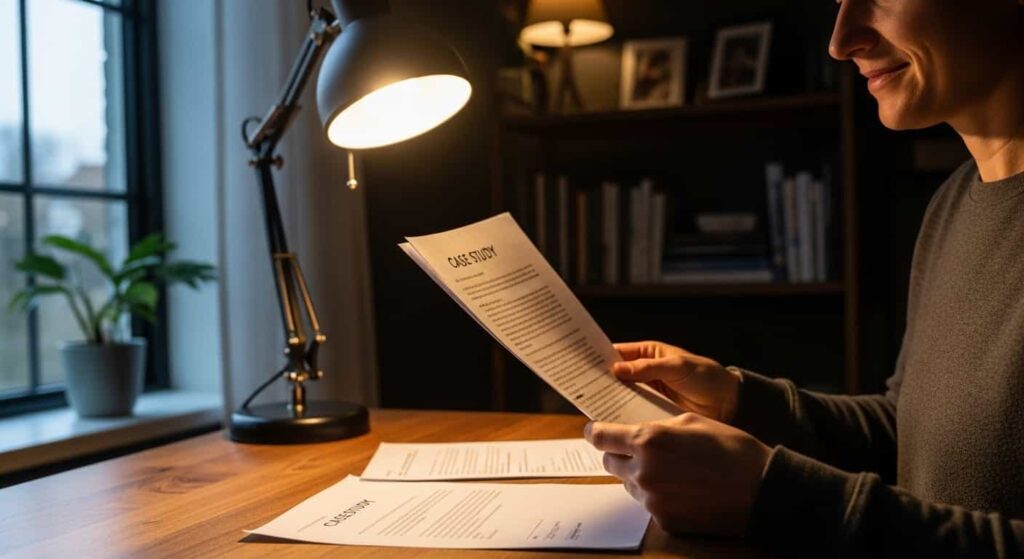
Testimonials on your website are good. But by the time a client is reading your proposal, they’re in “should I trust this person with my money” mode. One well-placed case study inside the proposal — especially one featuring a client in the same industry or with the same problem — does more work than ten homepage reviews.
The fix: Add one short, relevant case study (3–5 sentences) that mirrors your prospect’s situation. “I worked with a local HVAC company that had the same challenge — here’s what happened after we launched.” That single paragraph can close deals.
5. It Looked Like Everyone Else’s
If your proposal is a Google Doc with a header, some bullet points, and a price at the bottom, it looks identical to every other proposal in their inbox. There’s no differentiation signal. They’re comparing apples to apples, which means price becomes the deciding factor.
The fix: You don’t need to hire a designer to make your proposal stand out. You need a consistent structure, a branded cover, and one moment of “this person really gets my business.” That moment usually comes from your executive summary. Make it count.
6. There Was No Clear, Frictionless Next Step
“Let me know what you think” is not a call to action. It puts all the effort on the client. They meant to reply, but life got in the way, and three weeks later, they signed with the designer who followed up.
The fix: End every proposal with a single, specific next step that requires minimal effort on their part. A direct booking link, a simple “reply YES to this email,” or a clearly labeled signature line. Make saying yes the easiest thing they could do.
How to Write a Web Design Proposal: Step by Step
Step 1: Do a Proper Discovery Before You Write Anything
You cannot write a winning proposal for a project you don’t understand. Before you open a blank document, you need answers to:
- What is the primary business goal of this website? (More leads? Online sales? Credibility?)
- Who is the target audience?
- What’s broken or missing with the current site?
- What does success look like in 6 months?
- Who is the decision-maker and what matters most to them?
- What is their timeline and budget range?
That last question makes designers nervous. Ask it anyway. Budget conversations in a discovery call save you from writing a $6,000 proposal for someone with a $1,200 budget.
Step 2: Choose the Right Proposal Format
For projects under $1,500, a clean, detailed email is often enough. For anything above that, send a proper proposal document. The format options are:
- PDF (most professional, good for brand control)
- Notion or Google Docs (easy to edit and share)
- Proposal tools like Proposify, PandaDoc, or HoneyBook (built-in e-signatures, tracking, and templates)
For freelancers just starting, a well-structured PDF works perfectly. Don’t over-engineer the tool before you’ve nailed the structure.
Step 3: Write the Executive Summary (Your Most Important Section)
The executive summary is the first section they read and the one that determines whether they read the rest. Most designers skip it or treat it like a table of contents. That’s a mistake.
A great executive summary does four things in four short paragraphs:
- Reflects their situation — show you understand where they are now
- Names the core problem — the gap between where they are and where they want to be
- Previews your solution — a one-sentence summary of your approach
- States the outcome — what life looks like after the project is done
Write it last, after you’ve written the whole proposal. It’s easier to summarize something you’ve already mapped out.
Step 4: Define the Problem and Your Solution
This section expands on your executive summary. Document the specific problems you identified during discovery — and frame each one in business terms, not design terms.
Don’t say: “Your website has outdated typography and inconsistent color usage.”
Say: “Your current website is creating friction at the point where visitors decide to contact you. The call-to-action placement on mobile means most visitors leave before reaching it — which our analytics review confirms is costing you an estimated 25–40% of potential leads.”
One is a design observation. The other is a business problem with a business cost. Clients pay to solve business problems.
Step 5: Scope of Work — Be Specific Enough to Sound Like a Pro
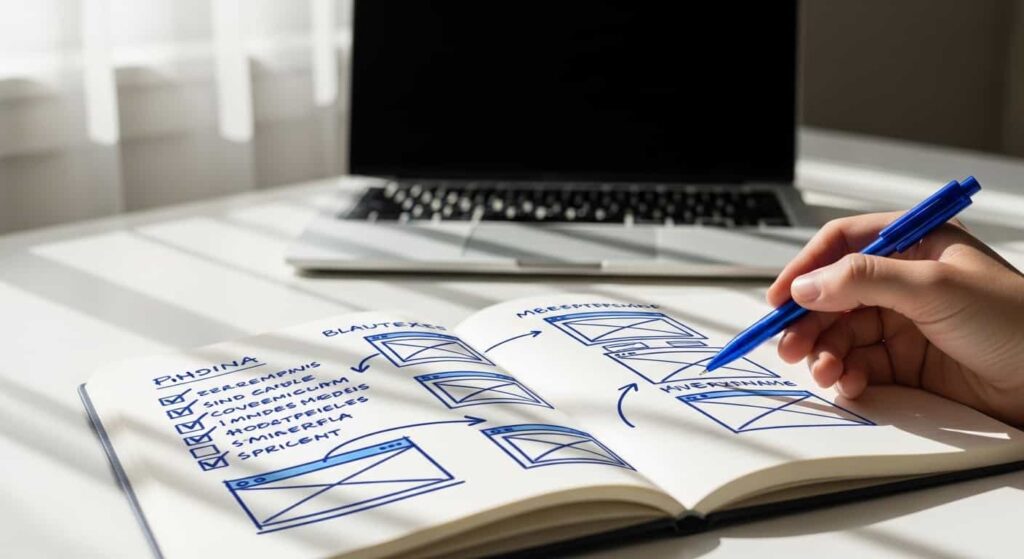
List every deliverable in clear, plain language. A solid scope of work includes:
- Pages included (e.g., Home, About, Services x3, Contact, Blog index)
- Design rounds (e.g., 2 rounds of revisions per phase)
- Functionality (e.g., contact form, Google Maps embed, CMS for blog)
- Integrations (e.g., Mailchimp signup, Google Analytics, WooCommerce if applicable)
- What’s NOT included — this is critical; out-of-scope items prevent disputes later
- Client responsibilities (content, images, copy approval timelines)
The “not included” section protects you and actually increases client trust. It signals you’ve worked through the edge cases before, which is exactly what a professional does.
Step 6: Timeline With Milestones
Clients worry that projects will go on forever. A clear timeline resolves that anxiety. Structure it as milestones, not just a total duration:
| Milestone | Description | Estimated Time |
|---|---|---|
| Kickoff & Discovery | Goals, sitemap, content audit | Week 1 |
| Design Concepts | Wireframes + mood board | Week 2–3 |
| Design Approval | Client review + revision round | Week 3–4 |
| Development | Build, integrate, populate content | Week 4–6 |
| QA & Testing | Browser/device testing, fixes | Week 6–7 |
| Launch | Go-live, DNS transfer, training | Week 7–8 |
Note: Include a line about how the timeline is contingent on the client providing content and feedback on schedule. This protects you from projects that drag because of their delays.
Step 7: Investment — Frame the Price, Don’t Just State It

Rename your pricing section from “Price” or “Cost” to “Investment.” It’s a small word choice with real psychological weight — cost is money out the door, an investment is money that comes back.
Present pricing in the following order:
- Value recap — one sentence restating the outcome the project delivers
- Package options (if applicable) — 2–3 tiers, highest first
- Payment schedule — break the total into milestones (50% upfront, 25% at design approval, 25% at launch is standard)
- What’s included — reinforce the key deliverables
- What happens if you need more? State your rate for out-of-scope additions
Offering two or three pricing tiers is a proven tactic. The client shifts from “should I hire them?” to “which option should I choose?” — a completely different mental state.
Step 8: Add One Relevant Case Study
Pick your most relevant past project — same industry, same problem, or same project type. Write it in three parts:
- The situation — what was the challenge before the project
- What you did — 2–3 sentences on your approach
- The outcome — a specific, measurable result if you have one
No previous clients? Use a detailed description of a personal or practice project. The goal is to show competence through a specific story, not just claim it.
Step 9: Clear Next Steps and Signature
End the proposal with zero ambiguity. Tell them exactly what to do:
“If this proposal matches what you’re looking for, sign below, and I’ll send your kickoff questionnaire within 24 hours. If you have questions, reply to this email or book a 15-minute call here: [link].”
Include a signature line, a dated acceptance field, and your contact information. Make it as easy as possible to say yes.
Full Web Design Proposal Template
Copy, customize, and make it yours.
[YOUR NAME / STUDIO NAME] Web Design Proposal Prepared for: [Client Name] Date: [Date] Valid Until: [Date + 14 days]
Executive Summary
[Client Name] is a [type of business] based in [location], serving [target audience]. Right now, [describe their core challenge — e.g., “their existing website is not converting visitors into inquiries, which is limiting their ability to grow without relying solely on referrals”].
This proposal outlines a new website designed to [primary goal — e.g., “generate consistent inbound leads by giving potential customers a clear path to contact you”]. Based on our discovery conversation, I understand that [key insight from your call — e.g., “most of your best clients find you through search, which means the website is the first impression that decides whether they call or leave”].
The project will deliver [key outcome — e.g., “a fast, mobile-optimized, professional website that positions you as the obvious choice in your market”].
The Problem
[Describe their current situation in business terms — not design terms. 2–4 sentences. Example:]
Your current site was built in [year] and hasn’t been updated since. On mobile — where [50–60%] of your visitors arrive — the navigation breaks and the contact form is buried below the fold. This creates friction at the exact moment visitors are deciding whether to reach out, which likely explains the low contact rate you mentioned on our call.
The Solution
[Describe your approach at a high level. 3–5 sentences. Example:]
I’ll design and build a new [X]-page website focused entirely on one job: turning visitors into leads. The design will prioritize mobile experience, clear calls to action, and a fast load time. Rather than starting with aesthetics, I’ll start with your customer’s journey — mapping the path from landing page to contact form — and design every page to reduce friction along that path.
Scope of Work
Pages Included:
- Home
- About
- [Service 1], [Service 2], [Service 3]
- Contact
- [Blog / Portfolio / FAQ — if applicable]
Design:
- Custom design concepts (2 directions)
- Up to 2 revision rounds per phase
- Mobile-first, fully responsive
Development:
- Built on [WordPress / Webflow / Framer / etc.]
- Contact form with email notification
- Google Analytics integration
- Basic on-page SEO (meta titles, descriptions, image alt text)
- SSL, speed optimization, sitemap submission
Not Included:
- Copywriting (client to provide)
- Photography (client to provide or stock licensing separate)
- Ongoing maintenance (available as a monthly add-on)
- E-commerce functionality
Client Responsibilities:
- All written content delivered by [specific date]
- Timely feedback within [3 business days] of each deliverable
Timeline
| Phase | Deliverable | Duration |
|---|---|---|
| Kickoff | Questionnaire, sitemap, brand review | Week 1 |
| Design | Wireframes + visual concepts | Week 2–3 |
| Revisions | Client feedback + revisions | Week 3–4 |
| Development | Full build + content population | Week 4–6 |
| QA & Review | Testing, bug fixes, client walkthrough | Week 6–7 |
| Launch | Go-live, DNS, handover | Week 7–8 |
Timeline assumes client content and feedback are delivered on schedule.
Investment
A new website that [reiterate their core outcome — e.g., “consistently generates inbound leads”] is an asset that pays for itself. Based on our discussion, here is the investment for this project:
Option A — Core Website: $[X] Everything in the scope of work above. 8-page website, custom design, full development, launch support.
Option B — Core Website + Copywriting: $[X+Y] Includes everything in Option A, plus professional website copy for all core pages written by me.
Option C — Core Website + Copywriting + 3-Month SEO: $[X+Y+Z] Includes everything in Option B, plus monthly SEO work (keyword research, on-page optimization, 2 blog posts/month) for the first three months post-launch.
Payment Schedule:
- 50% due upon signing to reserve your project spot
- 25% due upon design approval
- 25% due upon launch
Out-of-Scope Work: Any work outside this scope is billed at $[your hourly rate]/hr and discussed and approved in writing before beginning.
Past Work
[Similar Client / Project Name]
[Client] came to me with [brief description of their challenge — 1 sentence]. I designed and built [brief description of what you did]. The result: [specific outcome — e.g., “their contact form submissions increased by 3x in the first 60 days, and they’ve since closed two new projects directly attributed to the site”].
[View the project: link]
Next Steps
If this proposal aligns with what you’re looking for, here’s how we move forward:
- Sign below to confirm your acceptance
- An invoice for 50% deposit will be sent within 24 hours
- Kickoff questionnaire sent after the deposit is received
- Project start date: [estimated date]
Have questions before signing? Reply to this email or book a 15-minute call: [calendar link]
Accepted by:
Client Signature: ____________ Name: ____________ Date: ____________
This proposal is valid until [date]. Project start dates are subject to availability.
[Your Name] · [your@email.com] · [yourwebsite.com] · [phone optional]
How to Send Your Proposal (Timing and Format Tips)
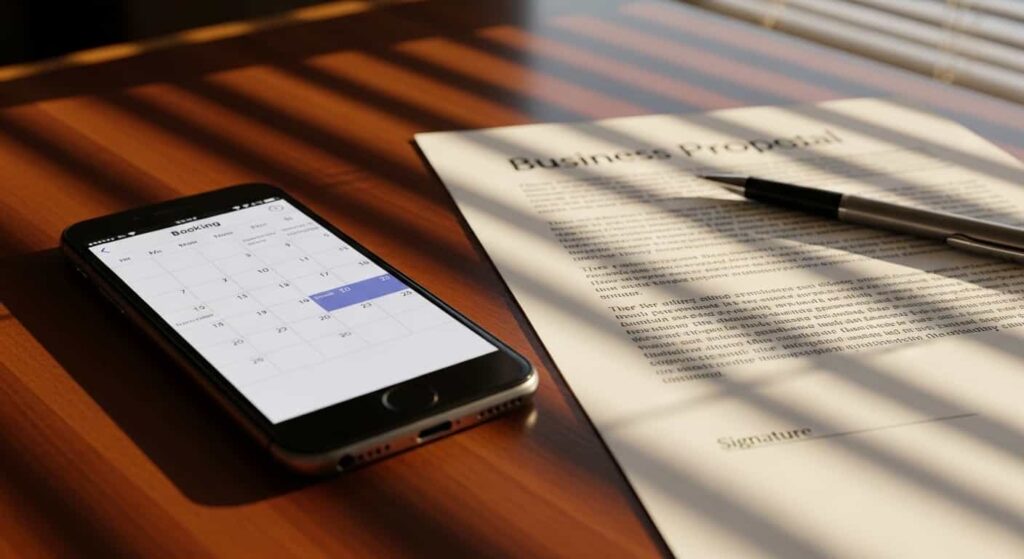
The best proposal in the world loses if it arrives at the wrong moment in the wrong format. A few practical rules:
Send within 24–48 hours of your discovery call. You’re at peak relevance. Their problem is fresh. Waiting a week means competing with the version of events they’ve reconstructed in their head — and whoever sent their proposal in the meantime.
Follow up once, three to four business days later. A simple, non-pushy message: “Hi [Name] — just checking if you had a chance to look through the proposal. Happy to jump on a quick call to answer any questions before you decide.” Most closed deals require at least one follow-up. Don’t skip it.
Send as PDF when possible. It looks more professional, loads consistently, and prevents accidental edits. If you’re using a proposal tool (Proposify, HoneyBook, PandaDoc), these also let you track when they opened it — which makes your follow-up timing significantly more effective.
Don’t apologize for your price. In your follow-up, do not preemptively discount before they’ve even responded. If price is an objection, they’ll tell you. At that point, you can either adjust the scope or clearly explain the value. Discounting before they ask trains clients to always expect a discount.
Frequently Asked Questions
How long should a web design proposal be?
For most projects, 4–8 pages is the sweet spot. Long enough to be thorough and build confidence, short enough that a busy client actually reads it. If your proposal is longer than 10 pages, cut the filler — usually that’s generic “about me” content that belongs on your website, not in a proposal.
Should I charge to write a web design proposal?
For large or complex projects (typically $5,000+), it’s reasonable to charge a discovery/strategy fee — $150–$500 — that covers a paid kickoff session and the proposal document itself. This fee gets applied to the project if they sign. It also filters out clients who are just shopping around rather than seriously evaluating you.
What’s the average web design proposal acceptance rate?
Freelancers who track their numbers typically see a 20–40% close rate from proposals sent. If you have good discovery conversations first (not sending cold proposals), that rate can climb to 50–70%. If you’re below 20%, the issue is usually price context, vague scope, or no follow-up.
What format should a web design proposal be sent in?
PDF is the most professional and widely recommended format for standalone proposals. Proposal software like Proposify or HoneyBook adds e-signature functionality and open-tracking, which can improve close rates. Avoid editable formats like Word or Google Docs unless collaboration on the document itself is expected.
Should I include mockups in my web design proposal?
For most proposals, not presenting detailed mockups before being hired does two things: it gives away free design work, and it anchors the client to a single solution before the project has even started. A mood board or a relevant portfolio example is more than enough at the proposal stage.
What is the difference between a web design proposal and a contract?
A proposal is a sales document that outlines the project and invites acceptance. A contract is a legally binding agreement that governs the work relationship, payment terms, IP ownership, and dispute resolution. Once a client accepts your proposal, follow it with a proper contract (or build contract language into your proposal’s acceptance terms). Never start work with only a verbal agreement.
The Proposal Is the Product
Here’s the mindset shift that changes everything: your proposal is not an explanation of what you plan to do. It is the first taste of how you work.
A clear, specific, professionally structured proposal tells the client exactly what to expect from a project with you: clarity, competence, and follow-through. A vague, rushed proposal says the opposite — even if you’re the best designer they’ve ever met.
Clients don’t always know how to evaluate design skill. They almost always know how to evaluate whether they feel confident handing someone a meaningful amount of money.
Use the template in this guide. Customize it for every client — the executive summary especially. Address their specific problem. Anchor your price in value. Give them a single, easy next step.
Then send it within 48 hours and follow up once. Do those four things consistently, and your close rate will improve dramatically — not because you got lucky, but because you removed every reason to say no.